On this page
Most of my development relies primarily on python. I do sometimes do something in C++ every once a couple of moons. I never saw a VFX-related project on Github involving any Rust at (except ASWF's OpenCUE). Rust is pretty hip these days and all the cool kids on Github are using it. Why not give it a go on something slightly bigger than a hello-world.exe app?
I had been curious about Tauri, so I decided to test to turn CGWire Kitsu's front-end into a Windows desktop application.
Kitsu already works well in a browser. I was not trying to rewrite it. I wanted to find out what a native shell could add around it. I was thinking a dedicated window, system tray integration, system autostart, connection checks, and maybe notifications.
Screenshots#
| Kitsu workspace | Connection settings |
|---|---|
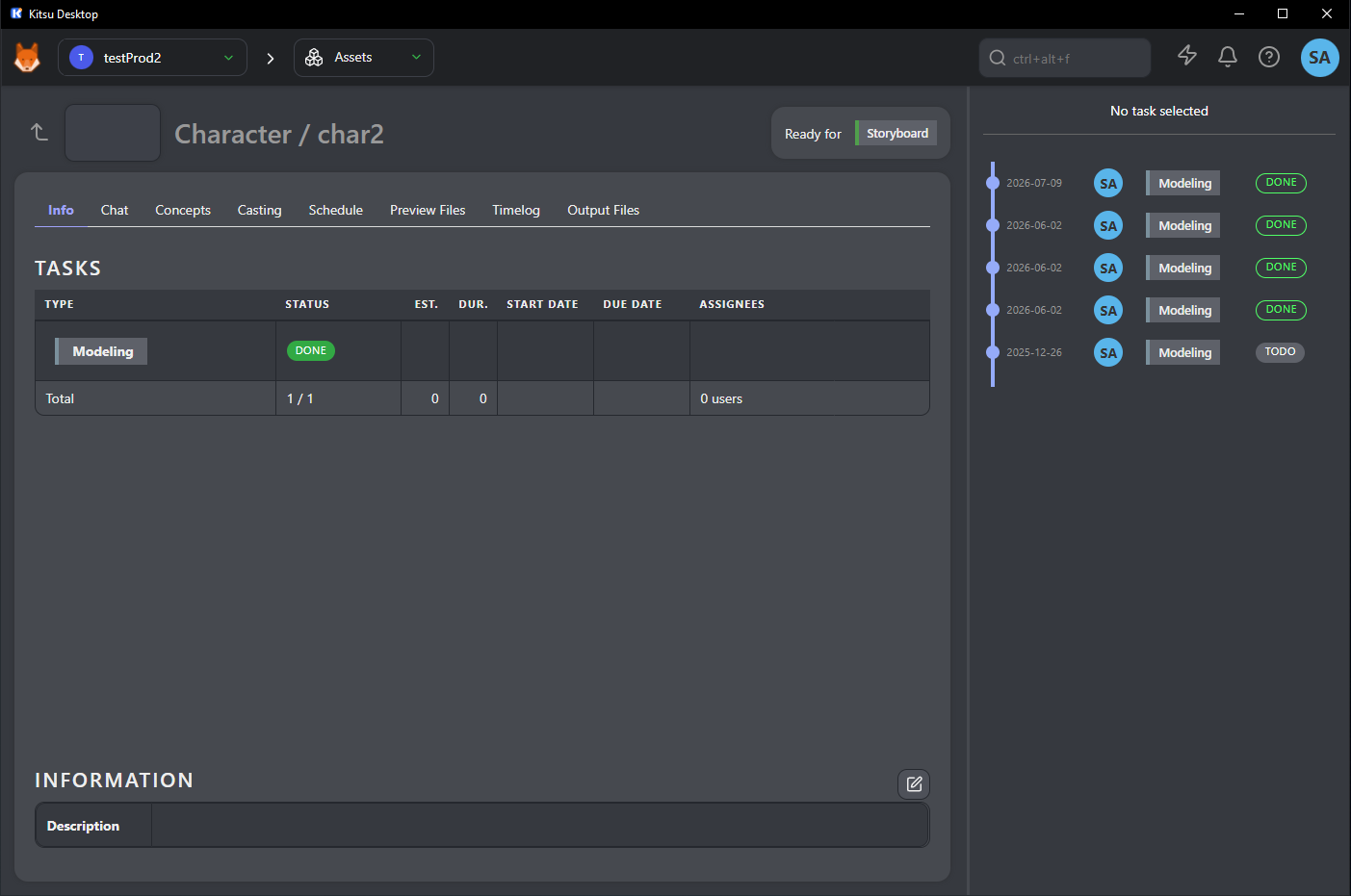 | 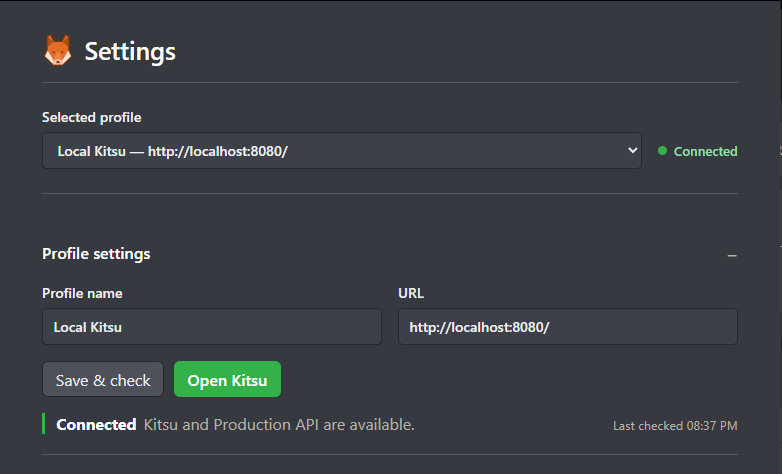 |
| System tray menu |
|---|
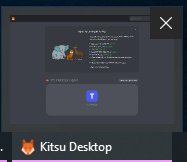 |
My first impressions of Rust#
Coming from Python, Rust initially feels strict. The compiler asks you to be explicit about types, errors, ownership, and platform-specific behavior.
For quick scripts, that can feel slow. For a desktop application, I started to appreciate it.
The compiler catches assumptions that might otherwise become runtime bugs, and Tauri encourages a clean boundary: the frontend owns interface state while Rust owns privileged native behavior.
I did not need to become a Rust expert to build something practical. Most of the backend is made of small functions and Tauri commands.
The project a good introduction to rust. It exposed Rust concepts and didn't require me to design a large backend system.
The stack#
The app uses:
- Tauri 2 for the desktop shell;
- Rust for native behavior and connection checks;
- TypeScript and Vite for the settings interface;
- WebView2 to display the existing Kitsu site;
reqwestwith Rustls for HTTP and HTTPS checks.
I kept the frontend in plain TypeScript. The settings UI was small enough that adding Vue or another framework would not have solved the interesting problems.
Most of the experimenting happened on the Rust and Tauri side: application lifecycle, plugins, and native events.
Starting with the wrong question#
The first version felt like a launcher placed in front of another web app. It had navigation sections, shortcuts, settings, and several ways to open the actual webapp. It felt like a "glorified Chrome tab." Wrapping a website in a window did not make it feel OS-native.
So instead of asking how much interface I could add, I asked what Windows could provide that the browser could not.
Keeping the scope narrow#
The application initially drifted toward local Docker container management. This is very dev-y and doesn't concern the actual artist using the app. Artists should not be starting containers, managing backups, or inspecting server infrastructure from this app, so I removed that early. I also avoided turning it into a DCC launcher. this is closer to the role of AYON or another pipeline launcher, not Kitsu.
so I setup boundaries:
The desktop app handles Windows integration. Kitsu handles production management.
That rule kept the project small and prevented it from becoming another pipeline platform.
What made it feel native#
The biggest improvement was the the Windows system tray. It started quietly with Windows, and enforces single-instance behavior. Launching it twice focuses the existing application instead of creating duplicate windows.
Kitsu opens in a separate window, while profiles, diagnostics, and native settings stay in a smaller hidden settings window.
Moving connection checks into Rust#
The backend checks both the Kitsu site and the Zou API:
    <KITSU_URL>/
<KITSU_URL>/api
The root endpoint confirms that the site responds. The API check also verifies that the response looks like Zou rather than an unrelated page.
Running these checks through Rust gives the app control over timeouts and error reporting.
Instead of showing a generic network failure, it can provide more useful messages for connection refusal, DNS problems, certificate failures, timeouts, incorrect ports, or missing VPN access.
It also produces copyable diagnostics with the application version, platform, configured URL, site status, and API status. That is much more useful when an artist sending a ticket to support.
Notifications were harder than expected#
I originally wanted task notifications.
Displaying a native Windows notification through Tauri is easy. Deciding where reliable task events come from is not.
A proper implementation would need authenticated API access, polling or websocket behavior, deduplication, user identity, and a clear definition of which events deserve an operating-system notification.
Bundling Kitsu's frontend would not solve that. It would mostly create another frontend to maintain.
For now, the app only supports connection-state notifications, such as Kitsu dropping connection to server. I do plan to use Zou's REST api for custom desktop notification but that's a journey for another day.
The app improved as I removed things#
I removed Docker stuff, unnecessary launcher options and frontend bundling that did not justify its maintenance cost.
I moved secondary actions into the tray and stopped treating the settings window as the main product.
The final app is smaller than the original idea, but more useful.
For me, this project was less about making Kitsu "native" and more about learning where a desktop shell can add value around an existing web application.
my initial opinions about Rust from all the googling and reading I did, was that it's an over-hyped new-kid-on-the-block next-big-thing language with some serious fanboyism issues in the dev community. It was also a practical introduction to Rust and Tauri from the perspective of a Pipeline TD.
I don't think I will need it much in my journey. The VFX, Animation and Gaming industries are all dominated by C++ and python (I don't like Unity)
The source is available in the Kitsu Desktop repository.